
Check Answer
Turn your smartphone into an intelligent OMR scanner!
Tired of manually grading answer sheets one by one? With Check Answer, you can grade dozens of exams in just minutes. Powered by advanced image processing, it is designed to be the most efficient and user-friendly tool for teachers and educators.
Key Features That Set Us Apart
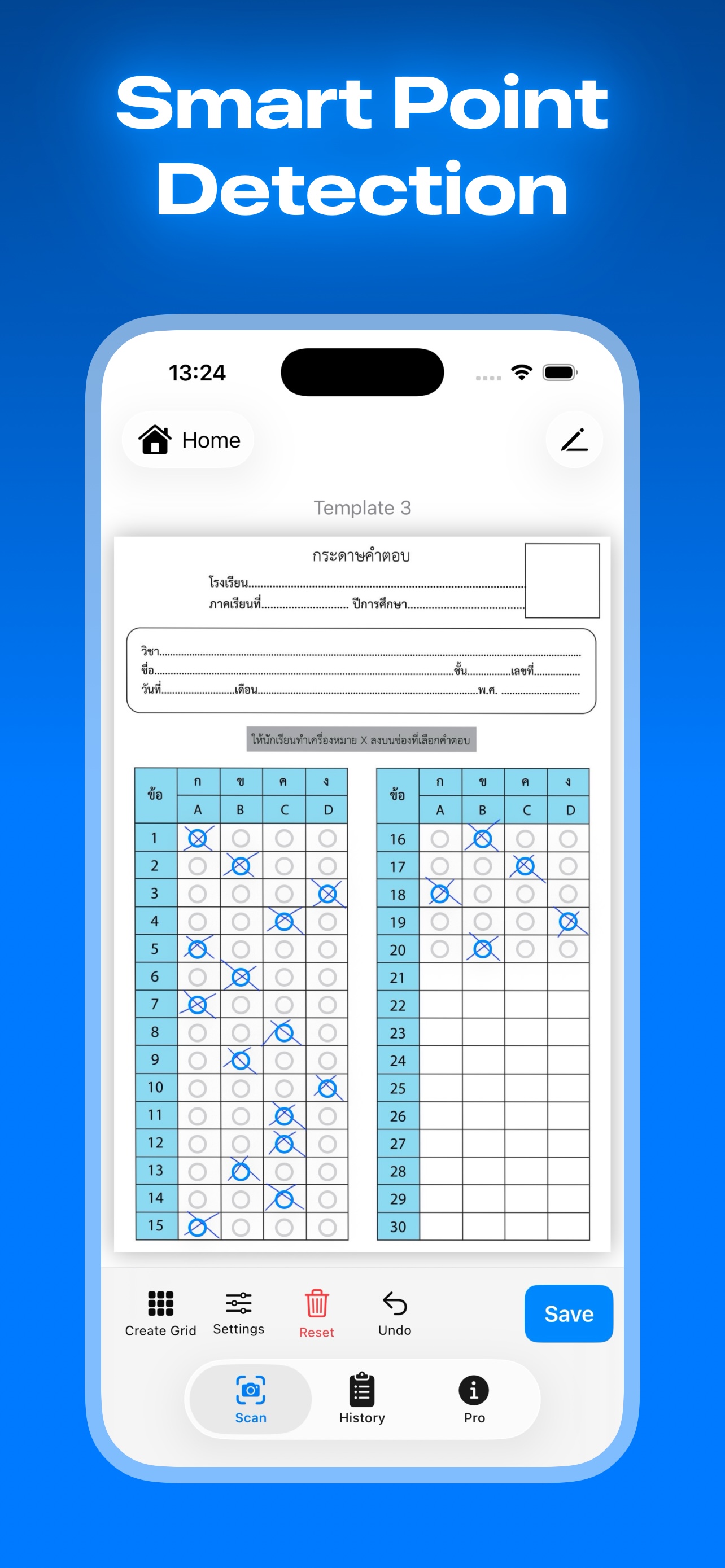
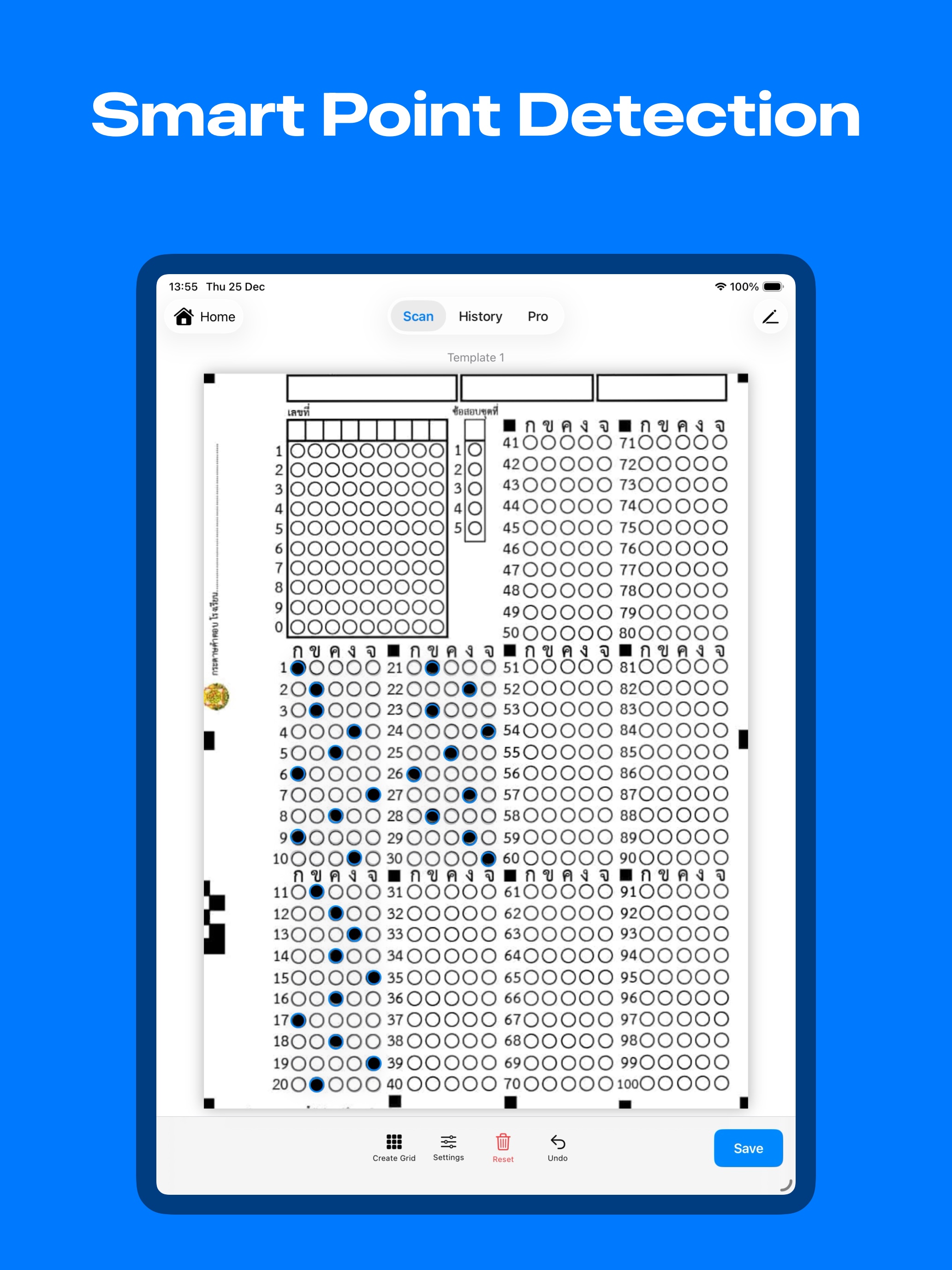
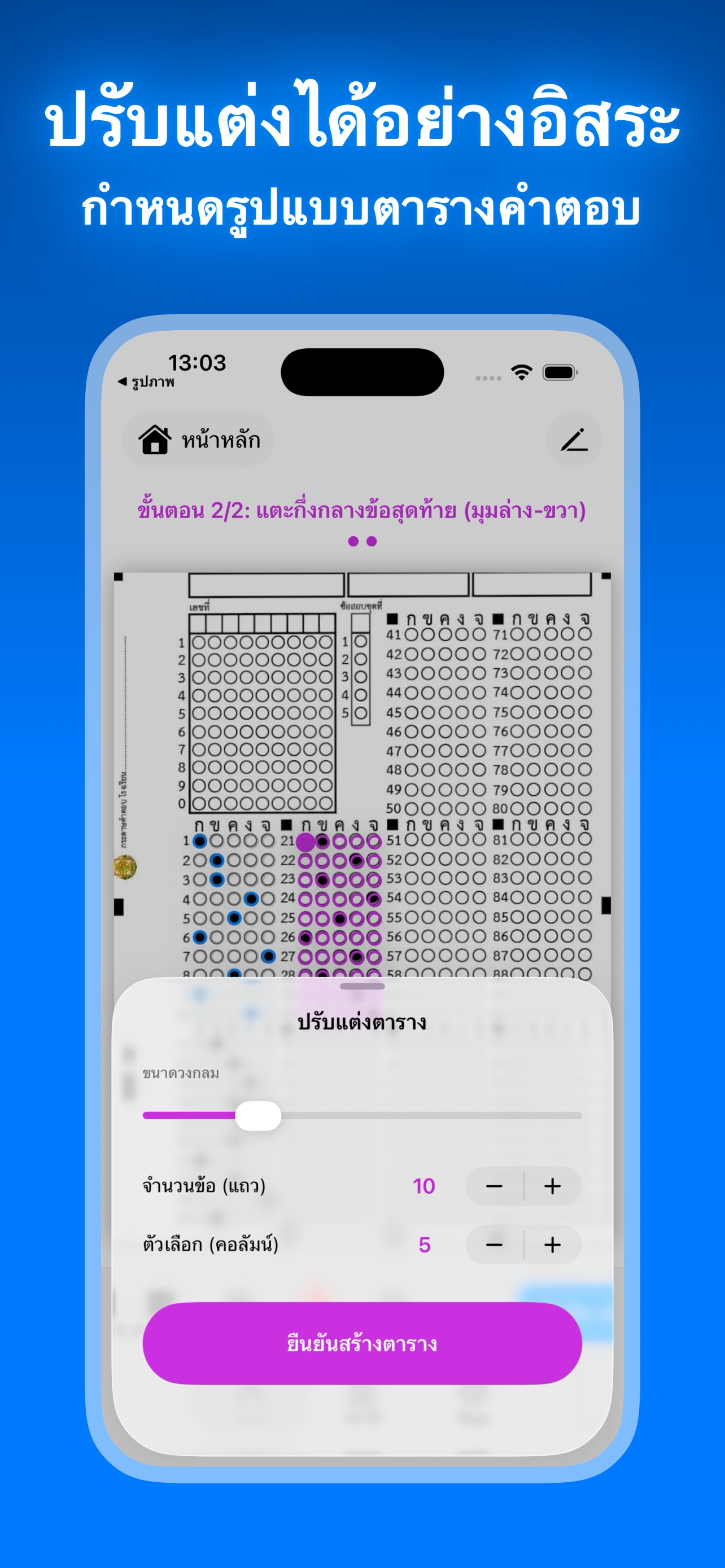
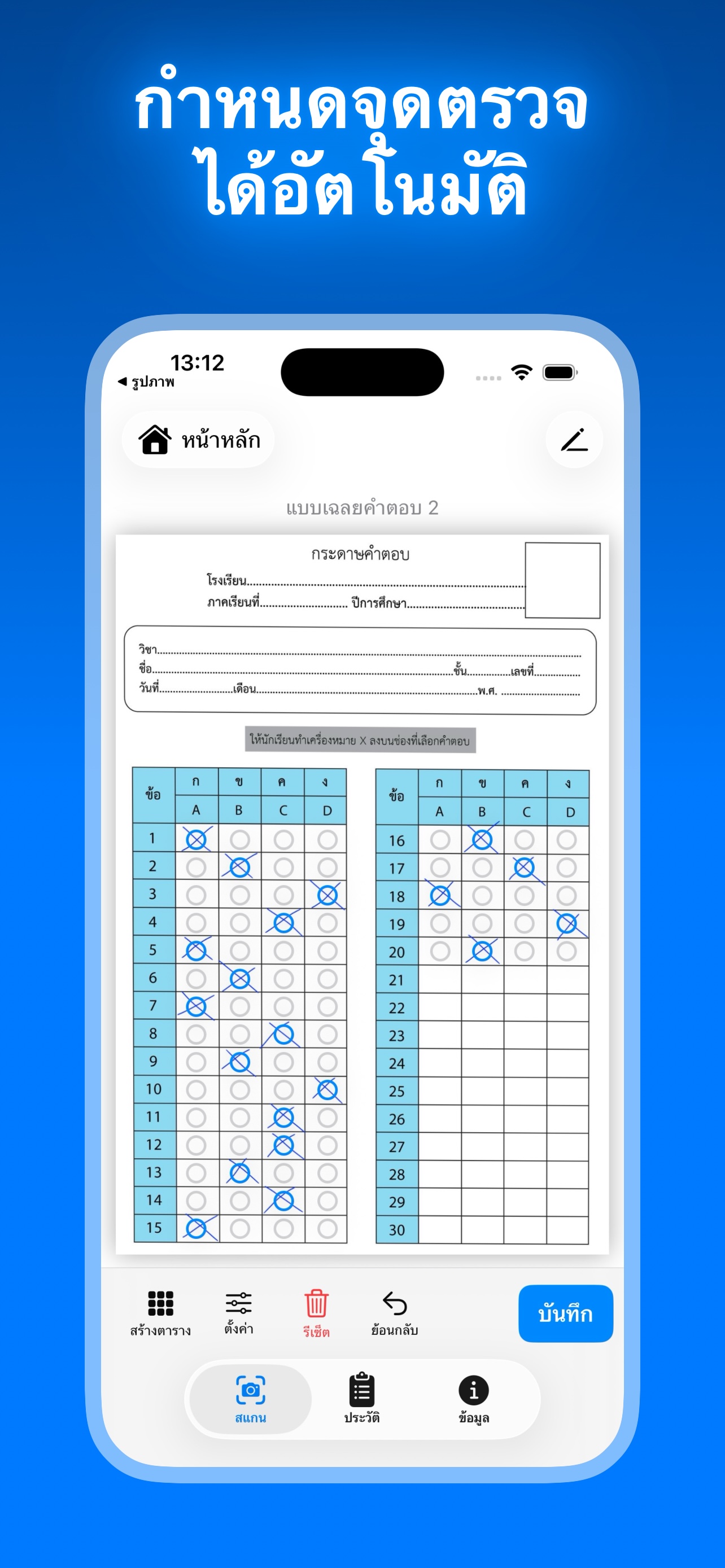
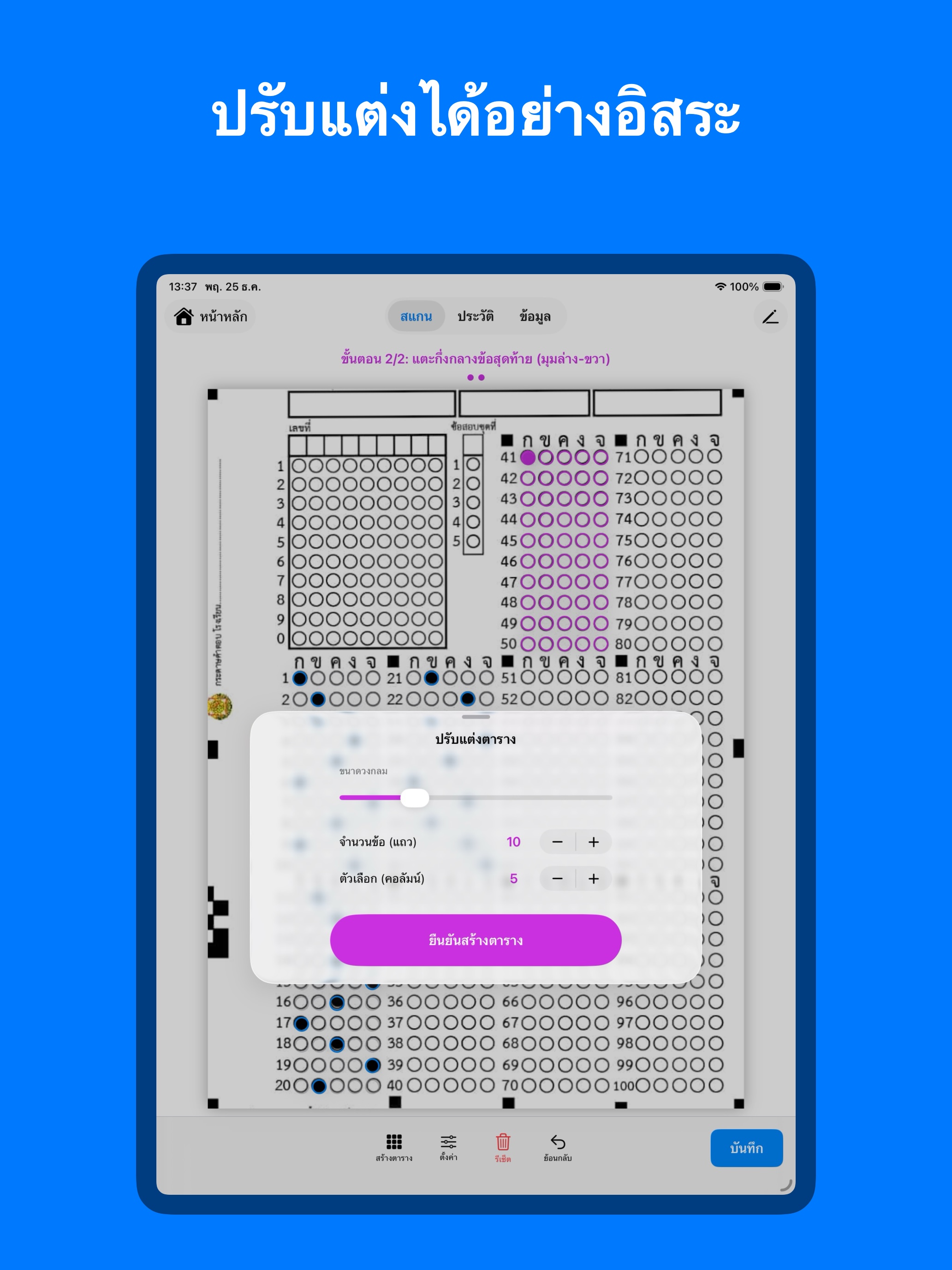
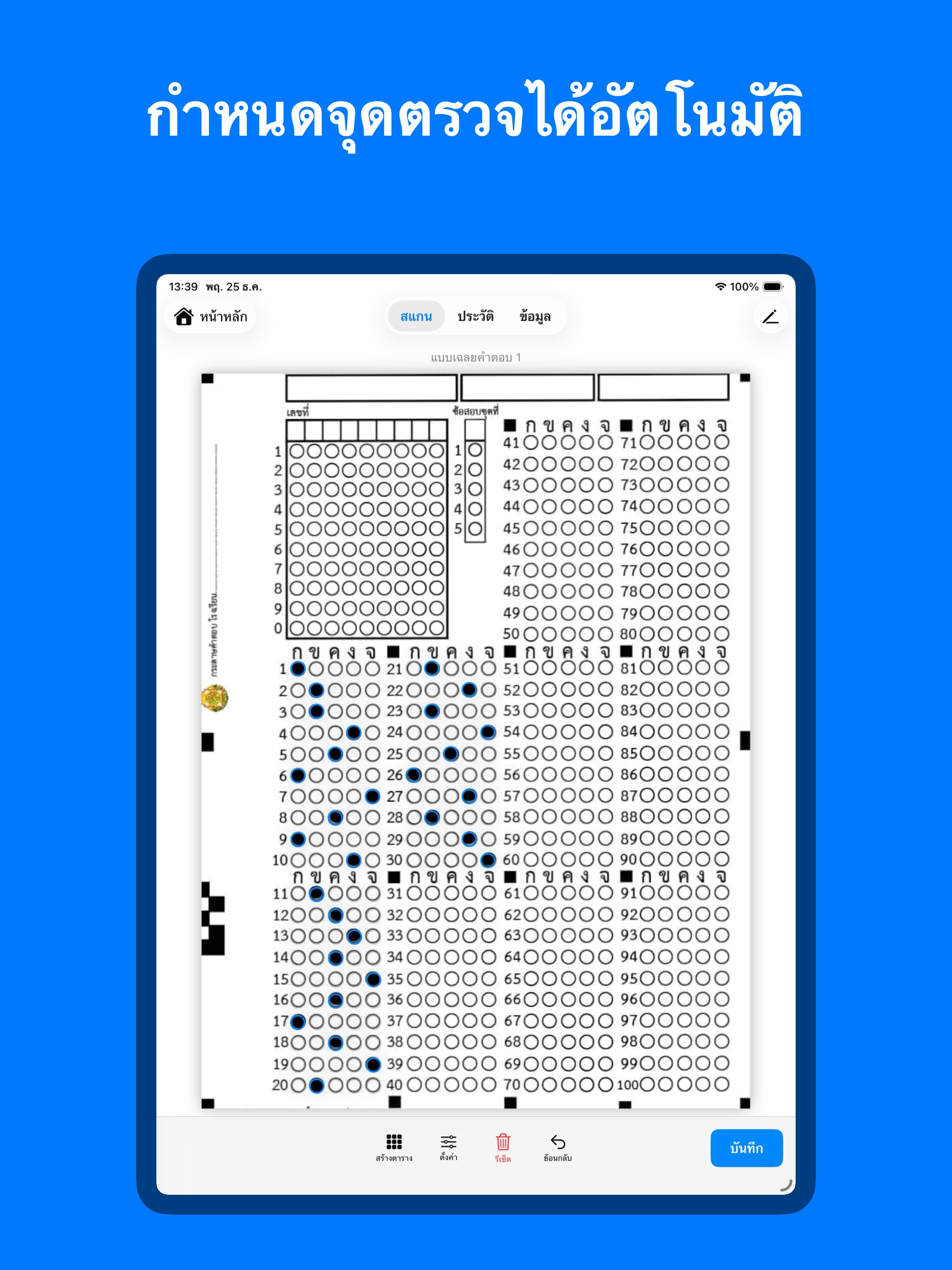
- Flexible Answer Key Templates: Create your own custom answer sheets effortlessly—whether it’s 20, 50, or 100 questions. Use "Grid Mode" to place marking points in seconds.
- Precision Crosshair: Achieve pixel-perfect accuracy. Our aiming system ensures clear visibility even under your fingertip, eliminating any placement errors.
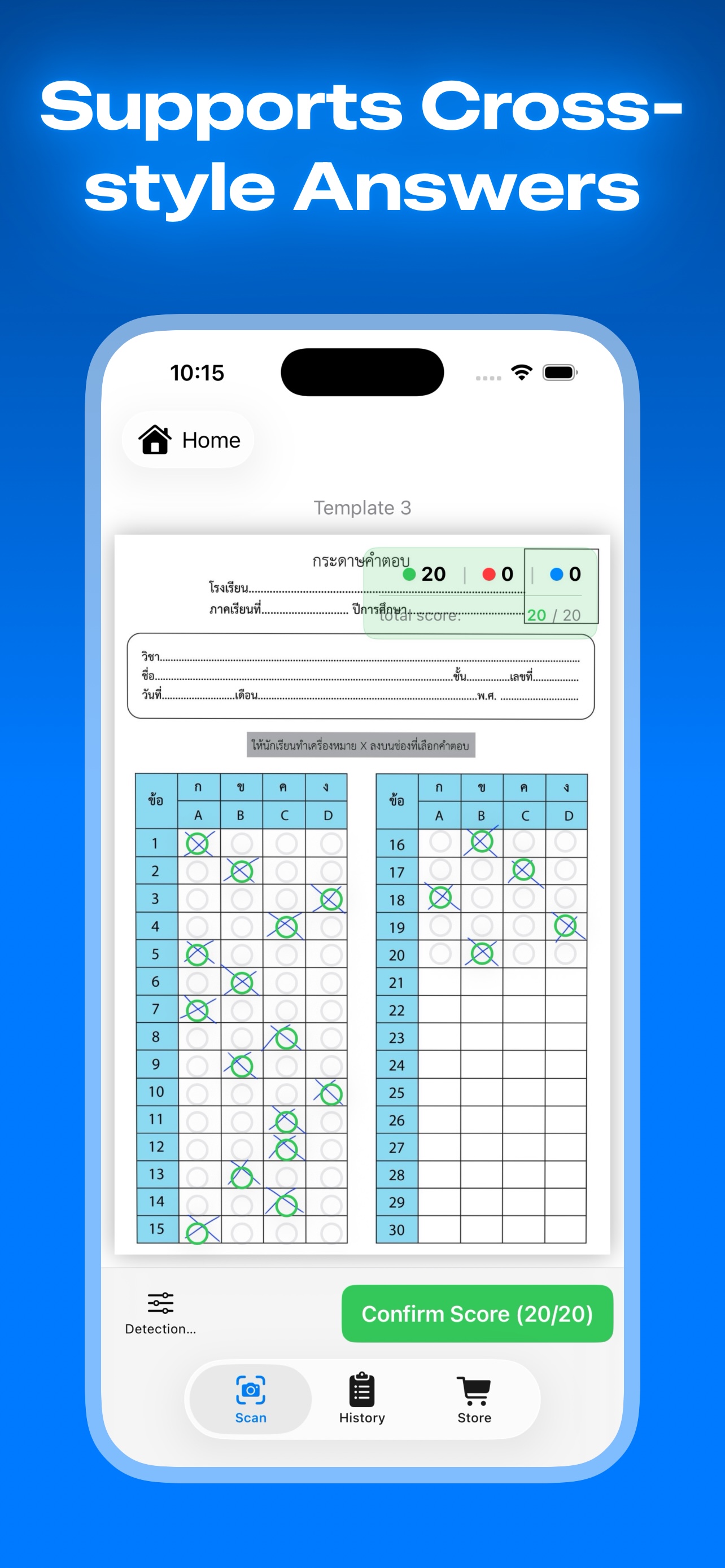
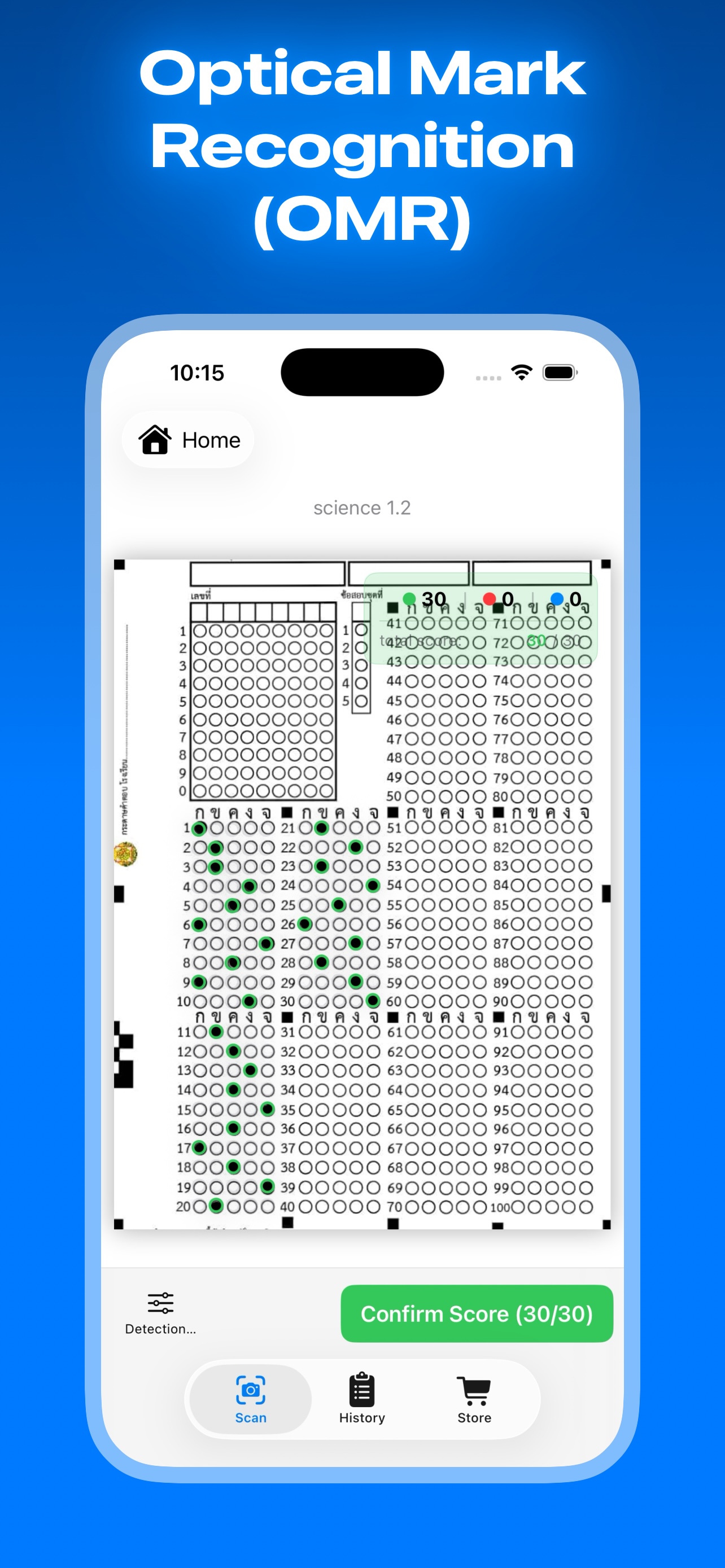
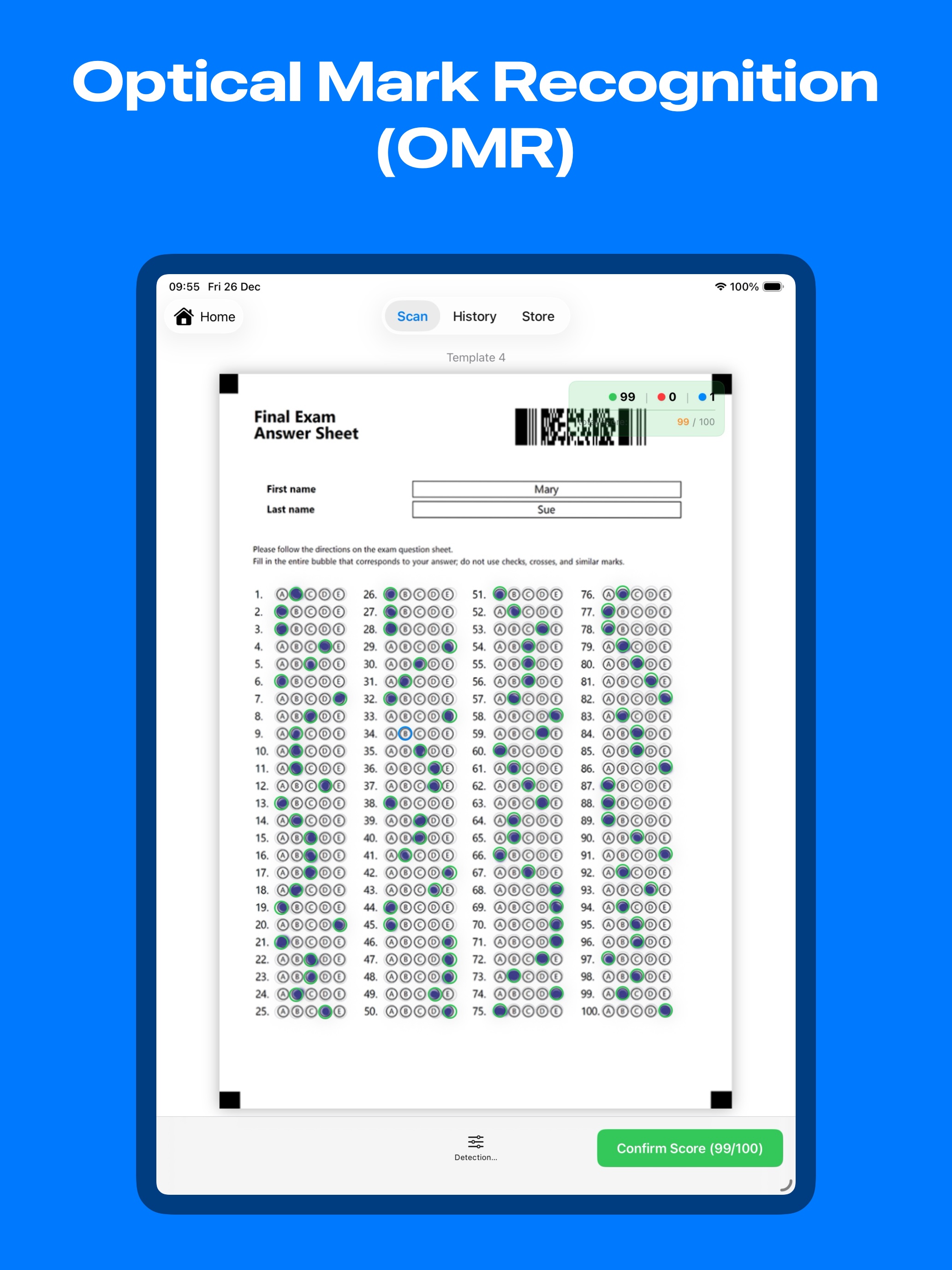
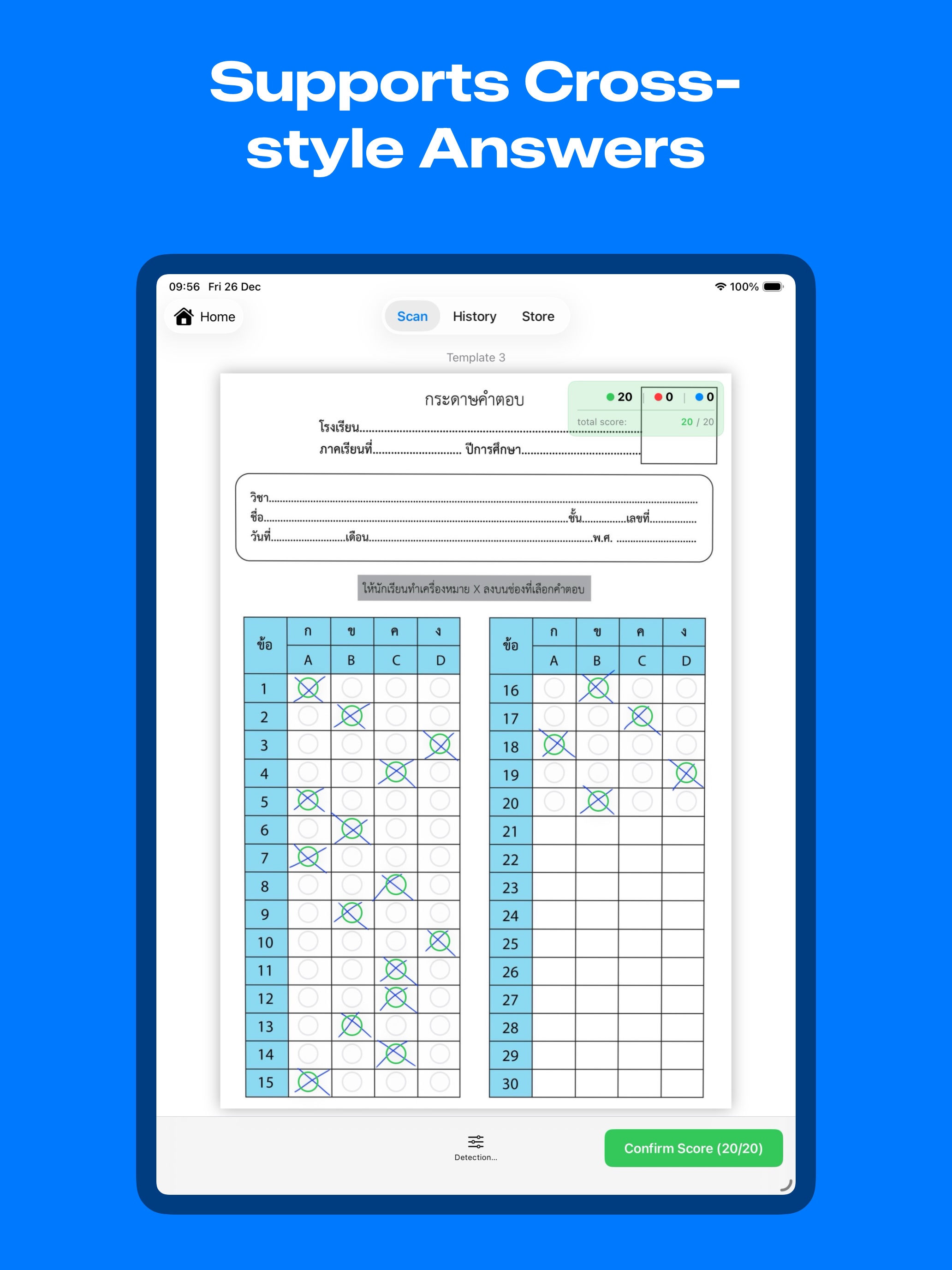
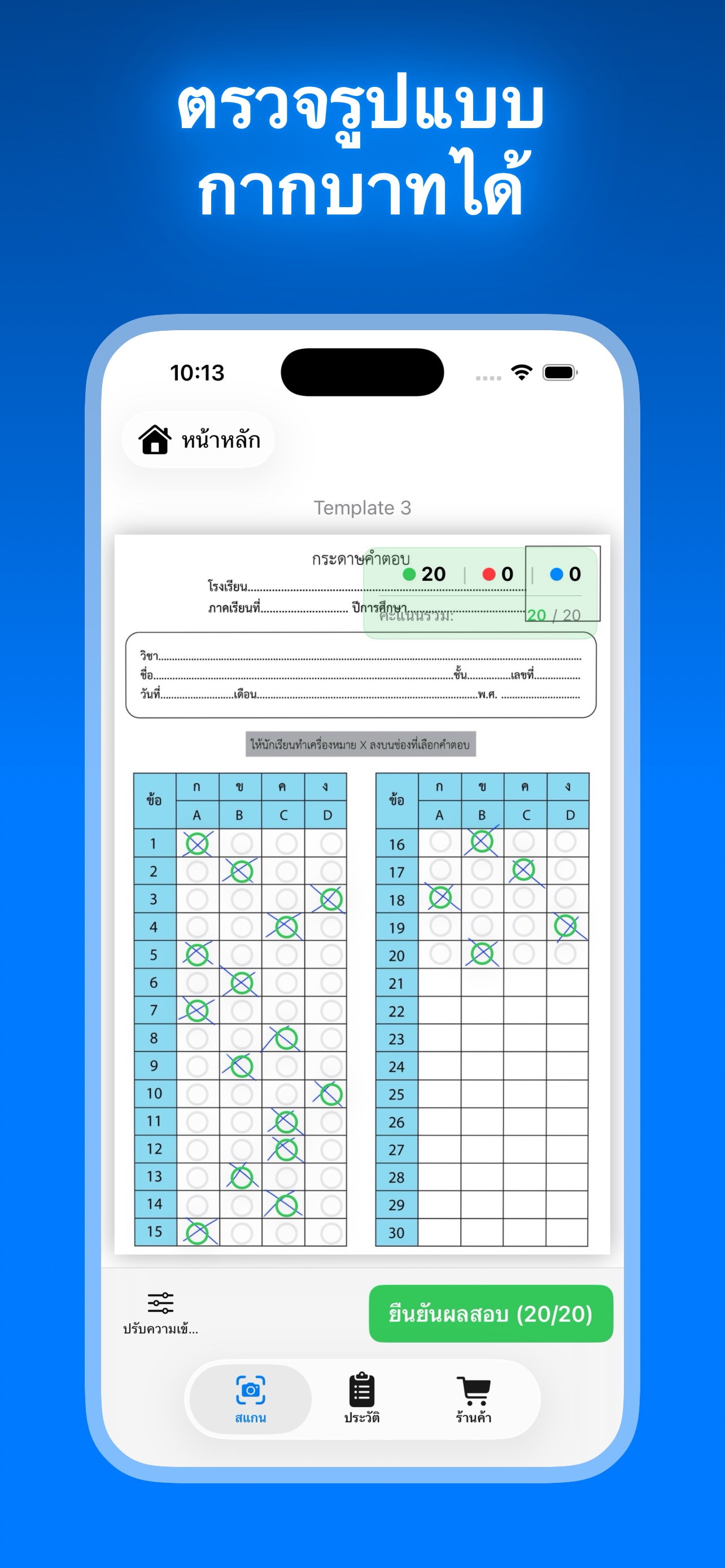
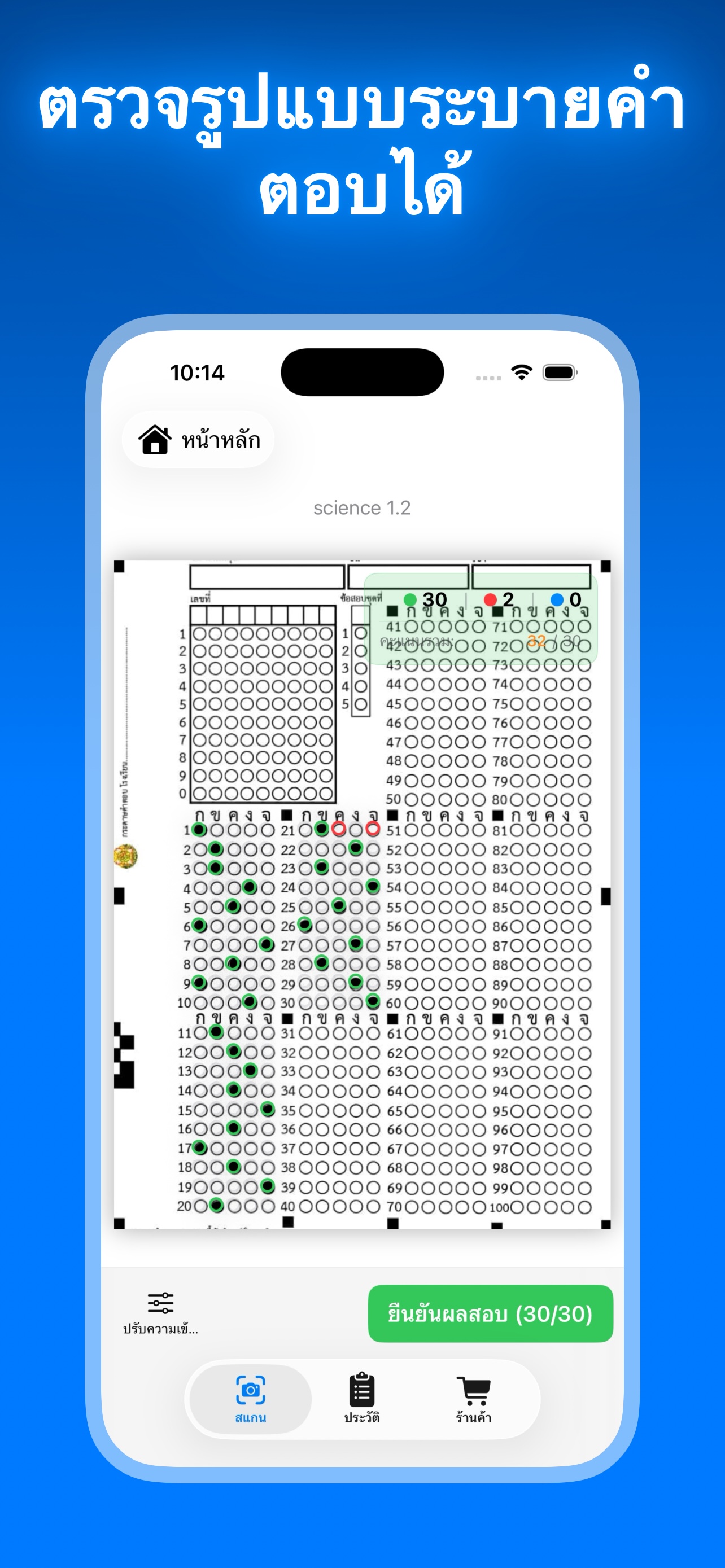
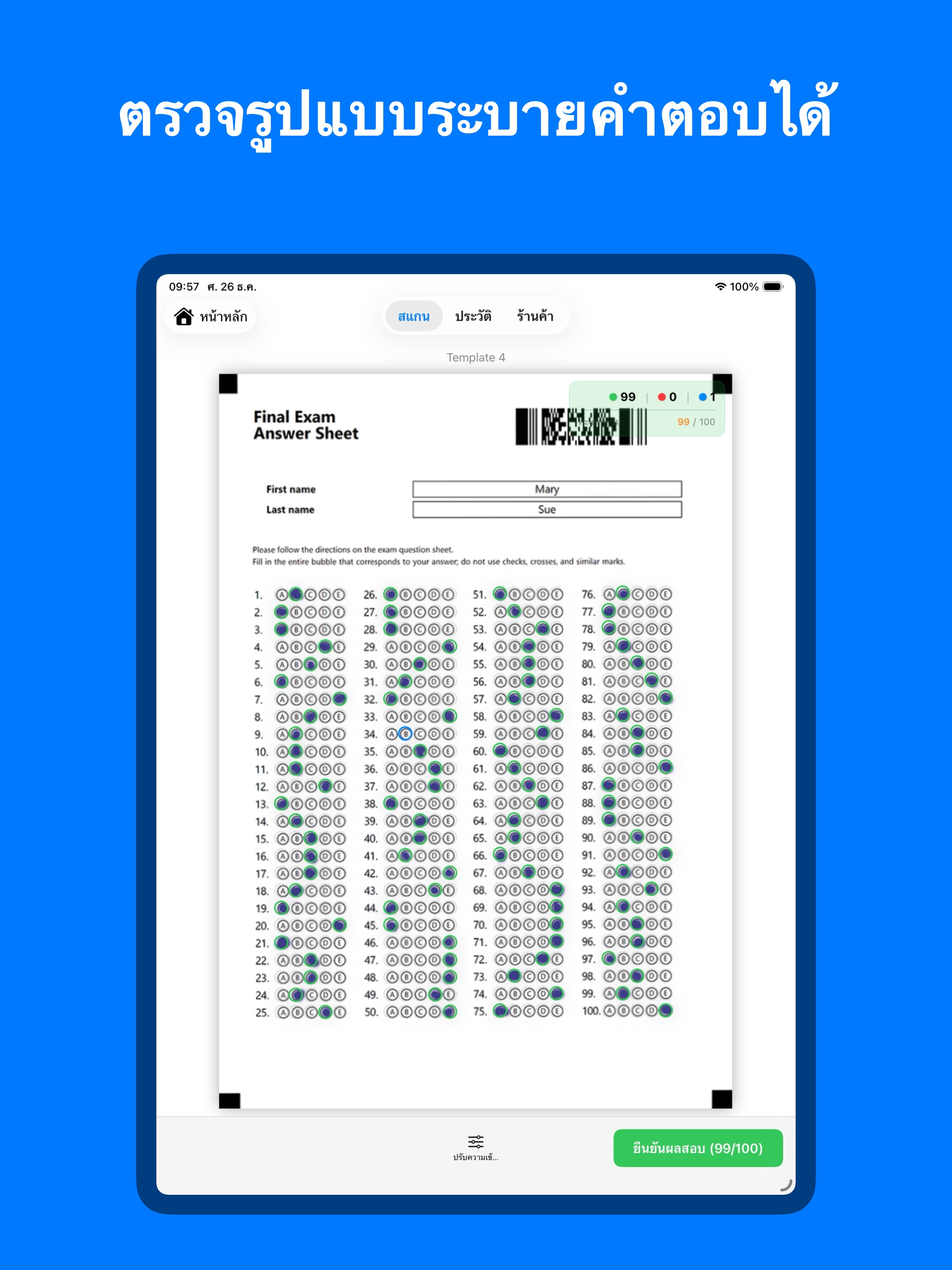
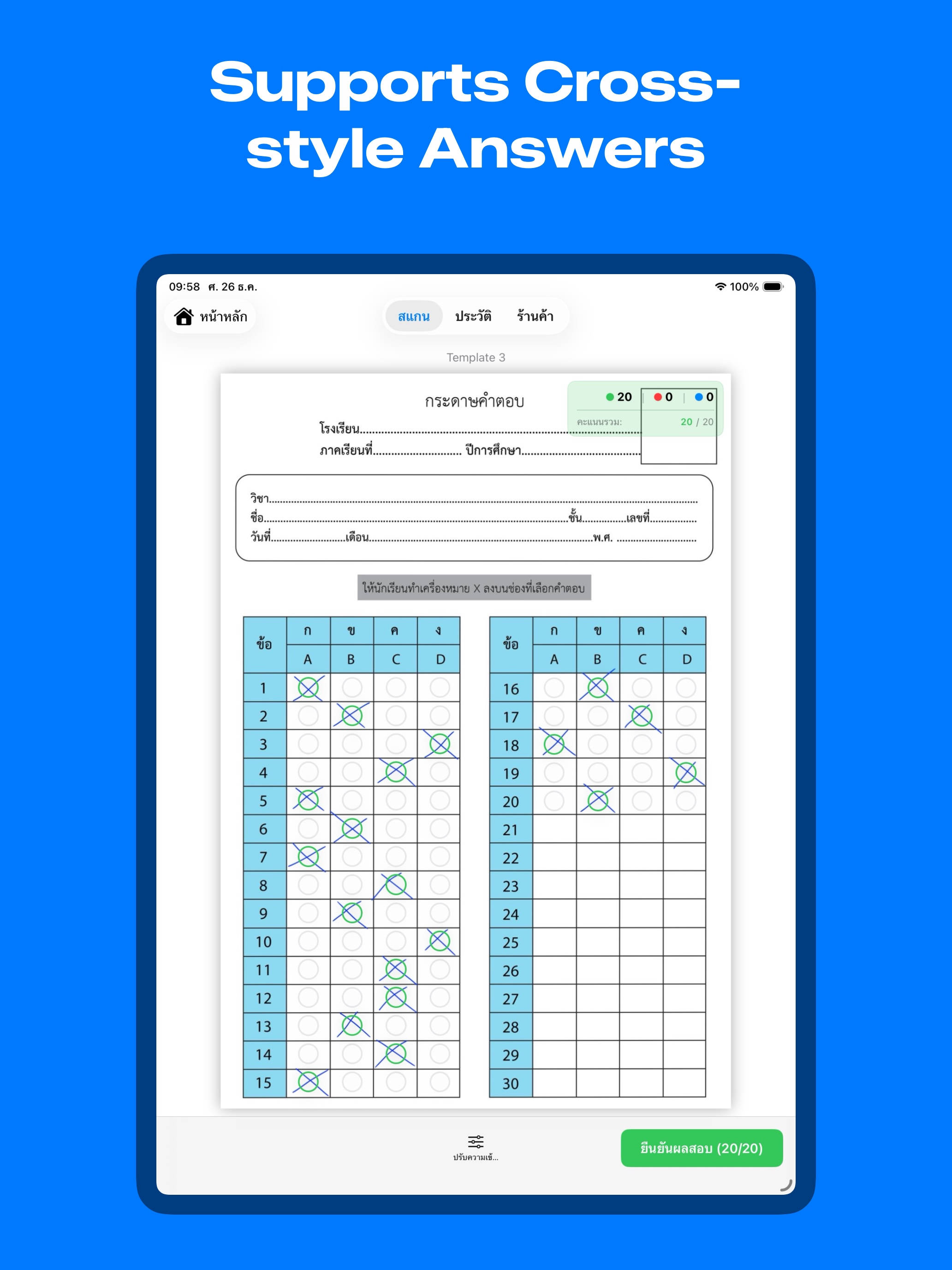
- Snap & Grade (Instant Grading): Simply take a photo of the answer sheet. The system easily corrects image angles (Perspective Warp) and calculates scores instantly, highlighting correct answers in green and errors in red on your screen.
- Adjustable Sensitivity Control: Supports both pencils and pens. You can manually adjust the detection threshold to ensure maximum accuracy in any lighting condition.
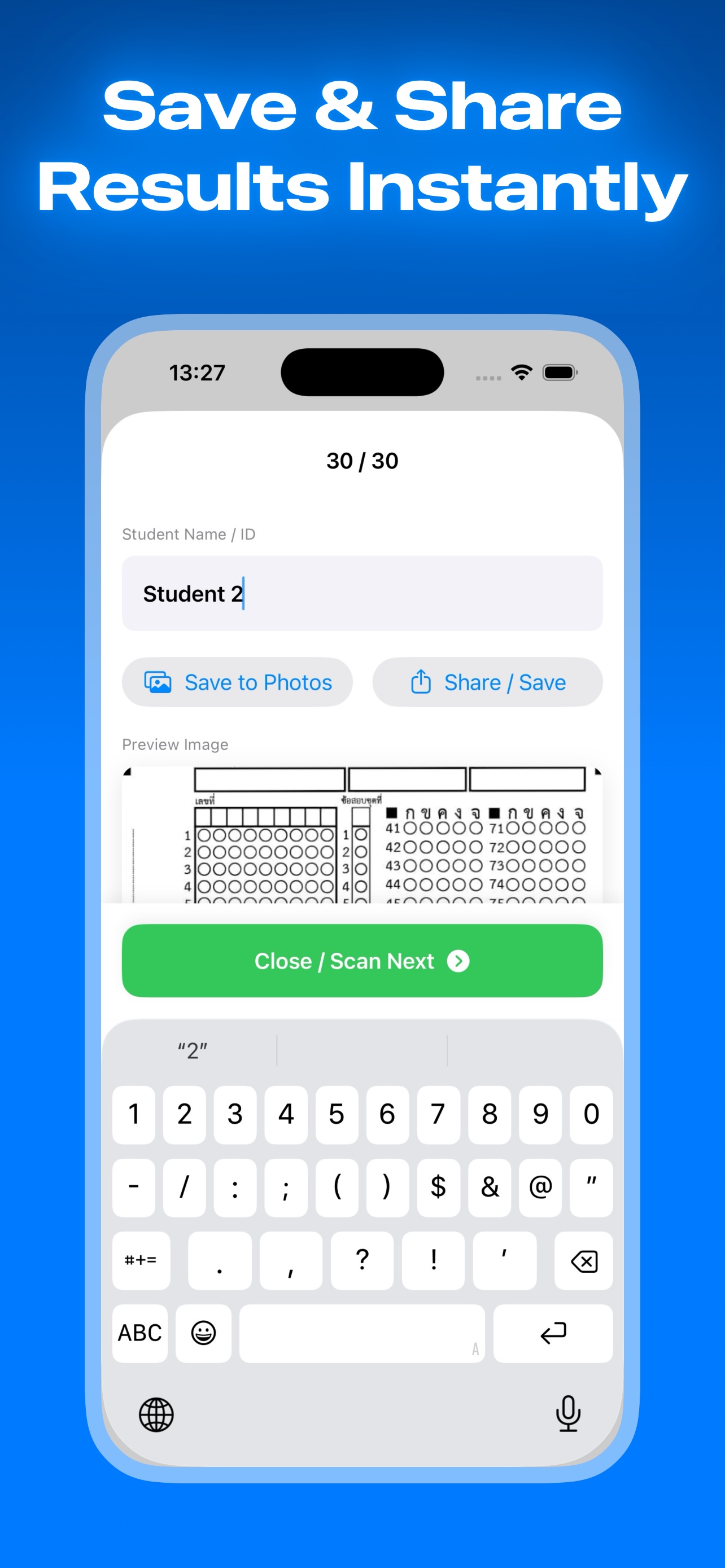
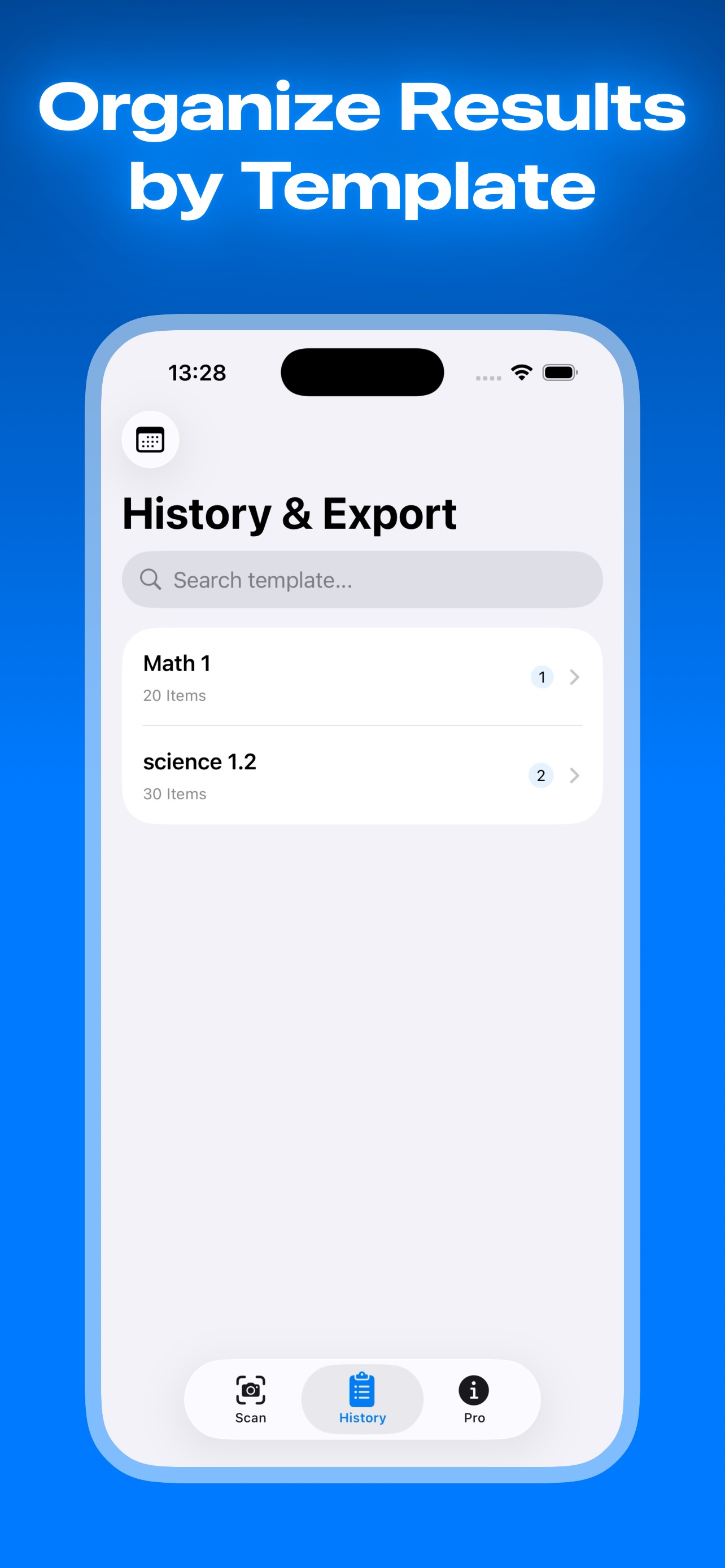
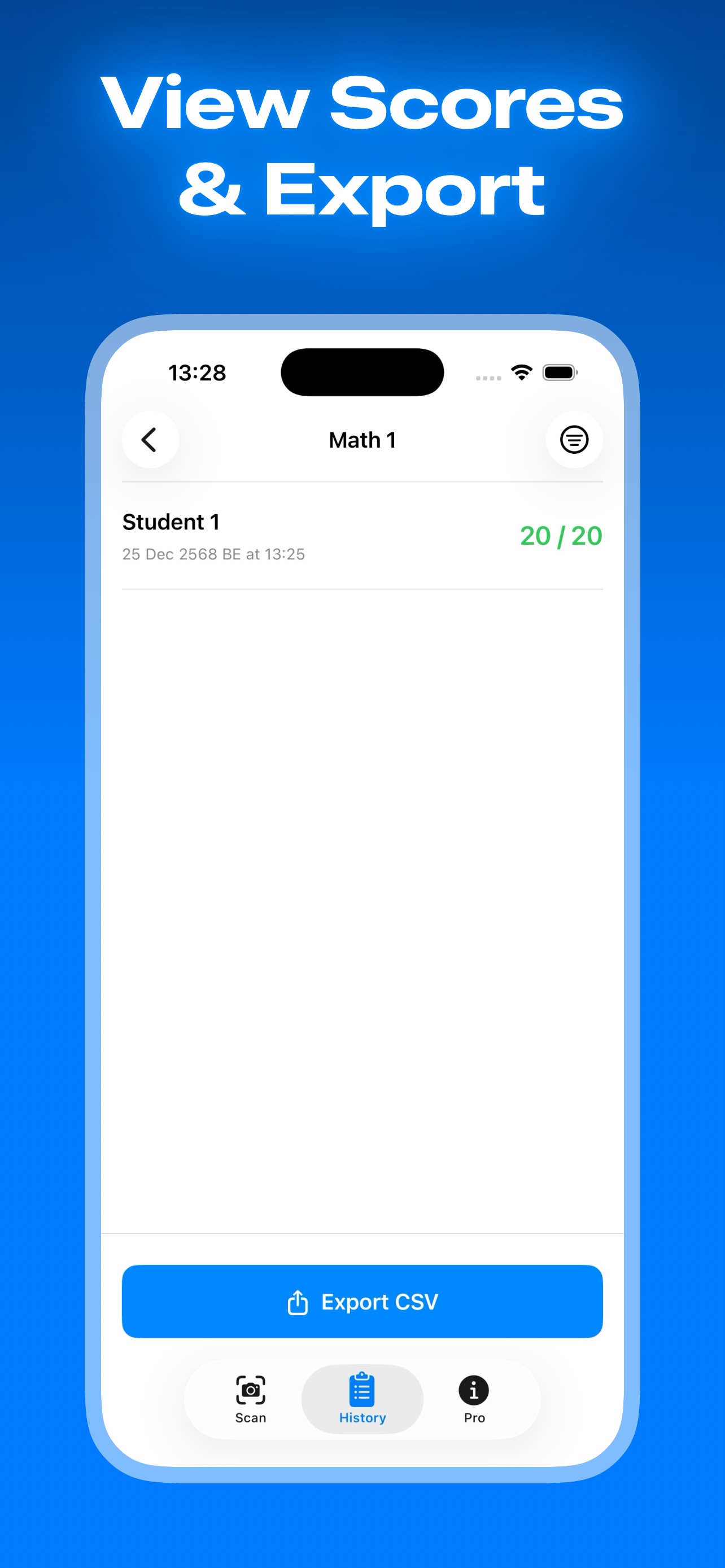
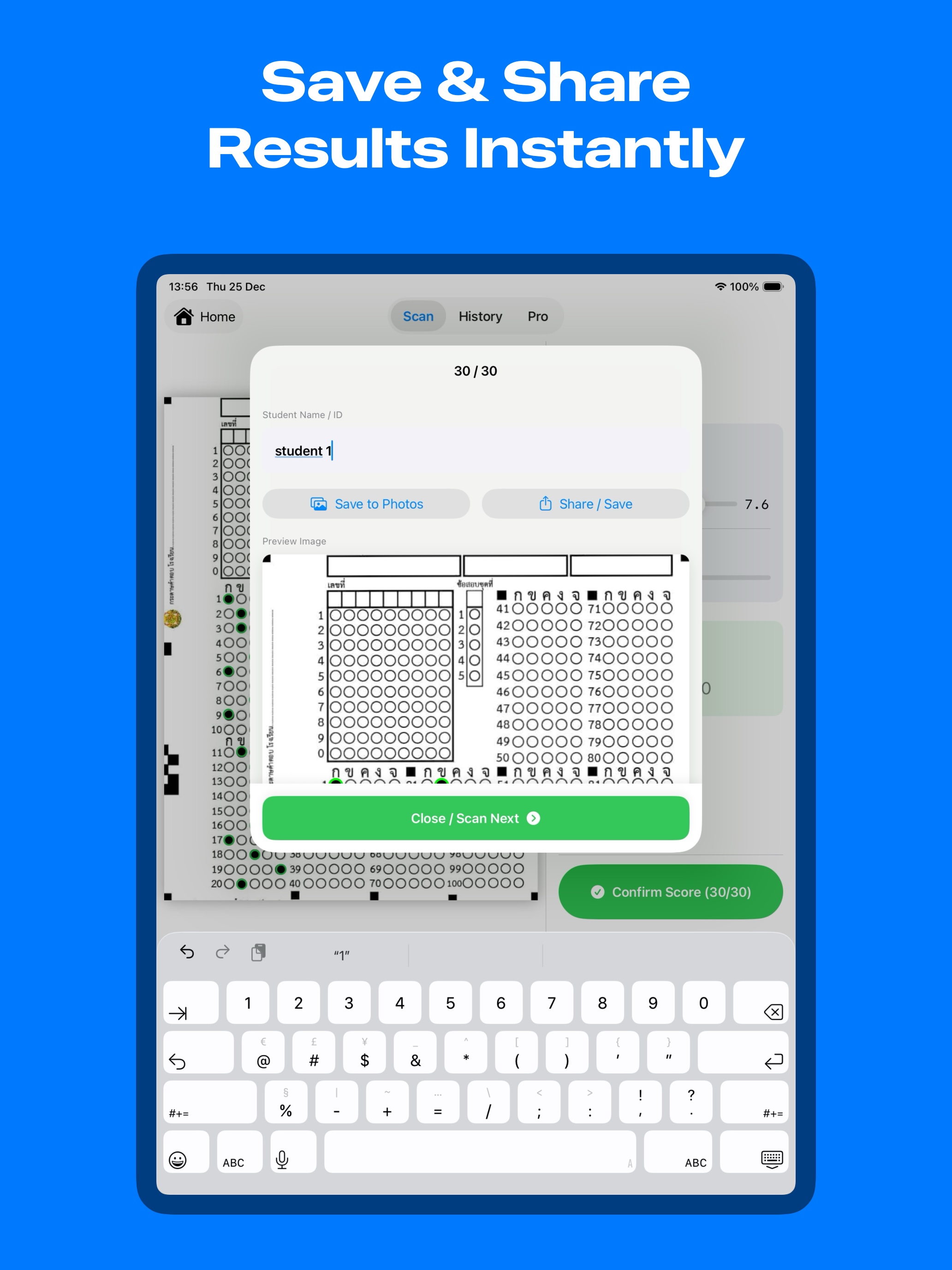
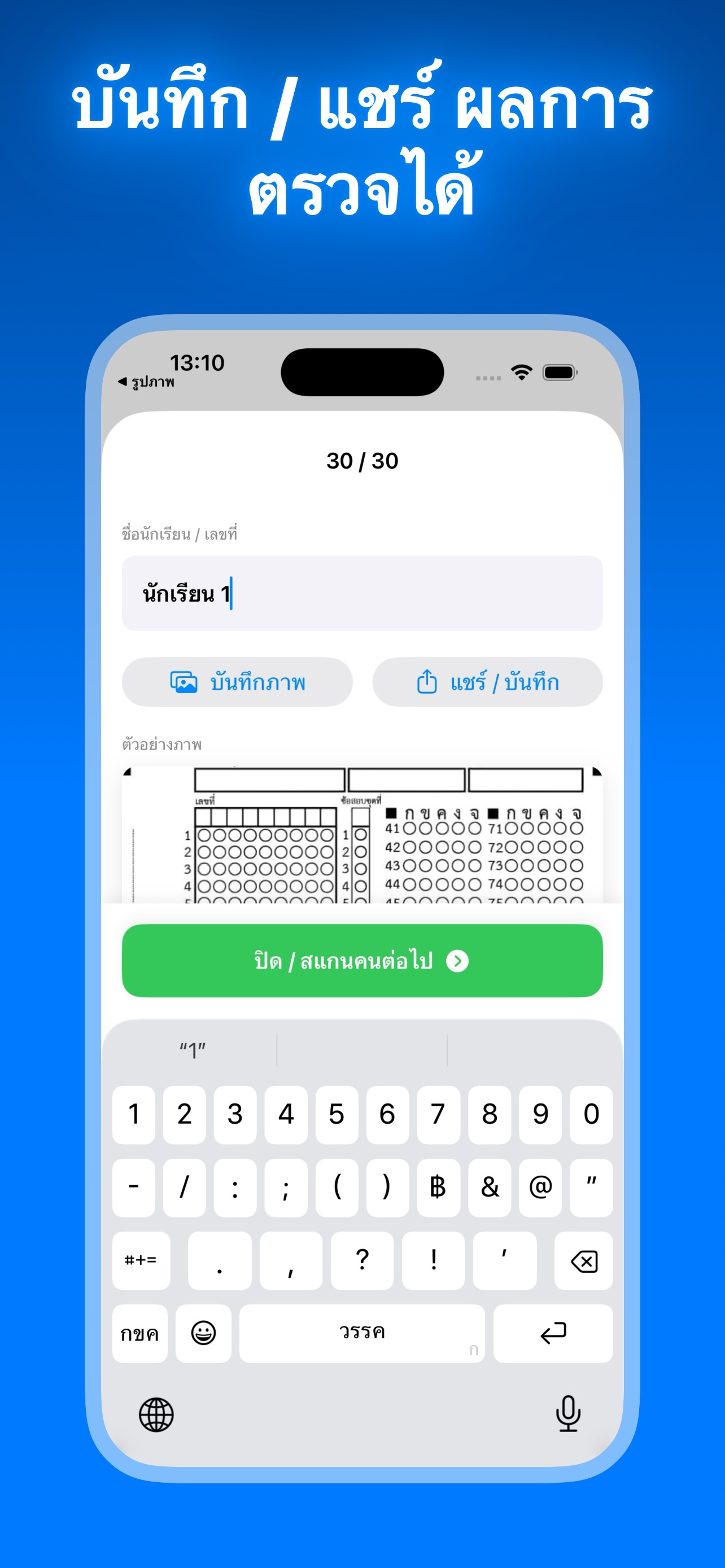
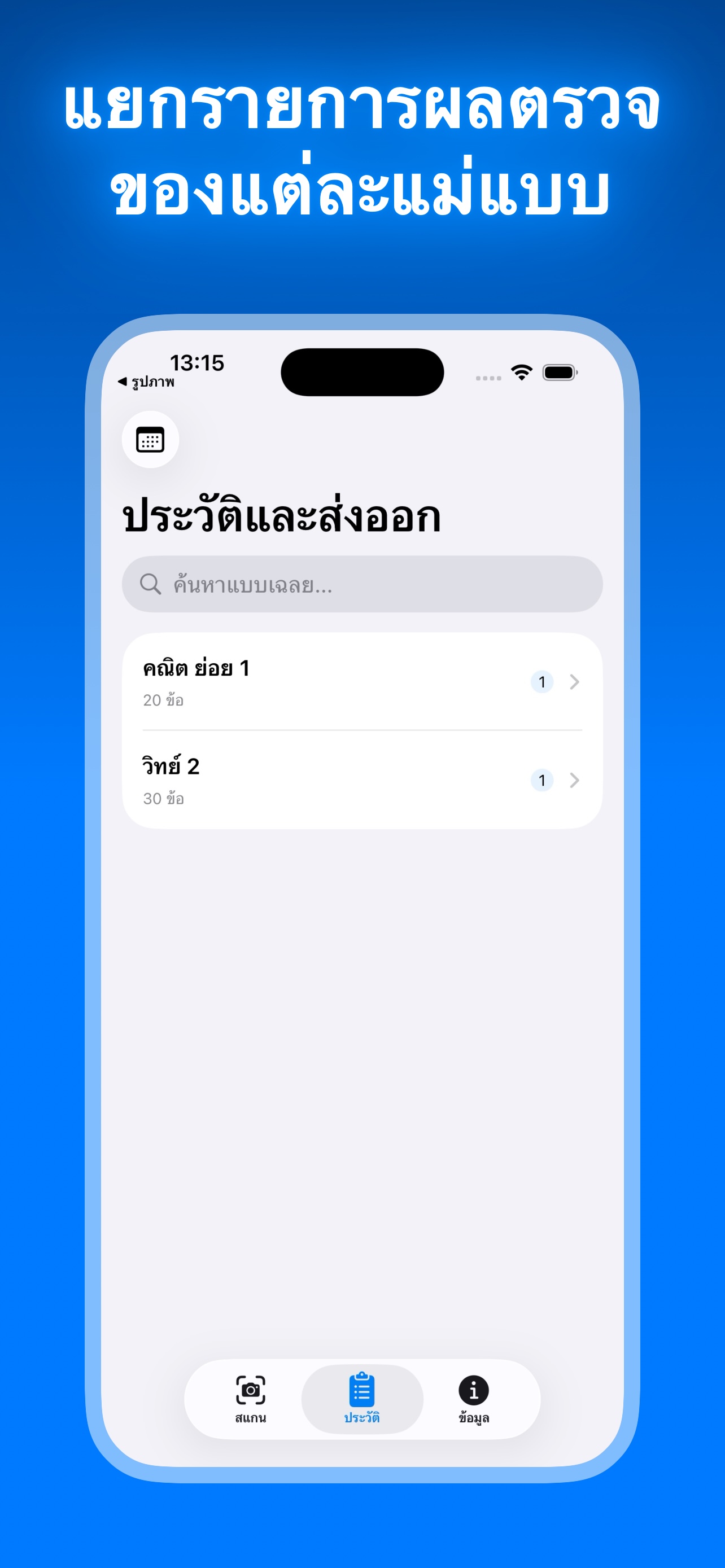
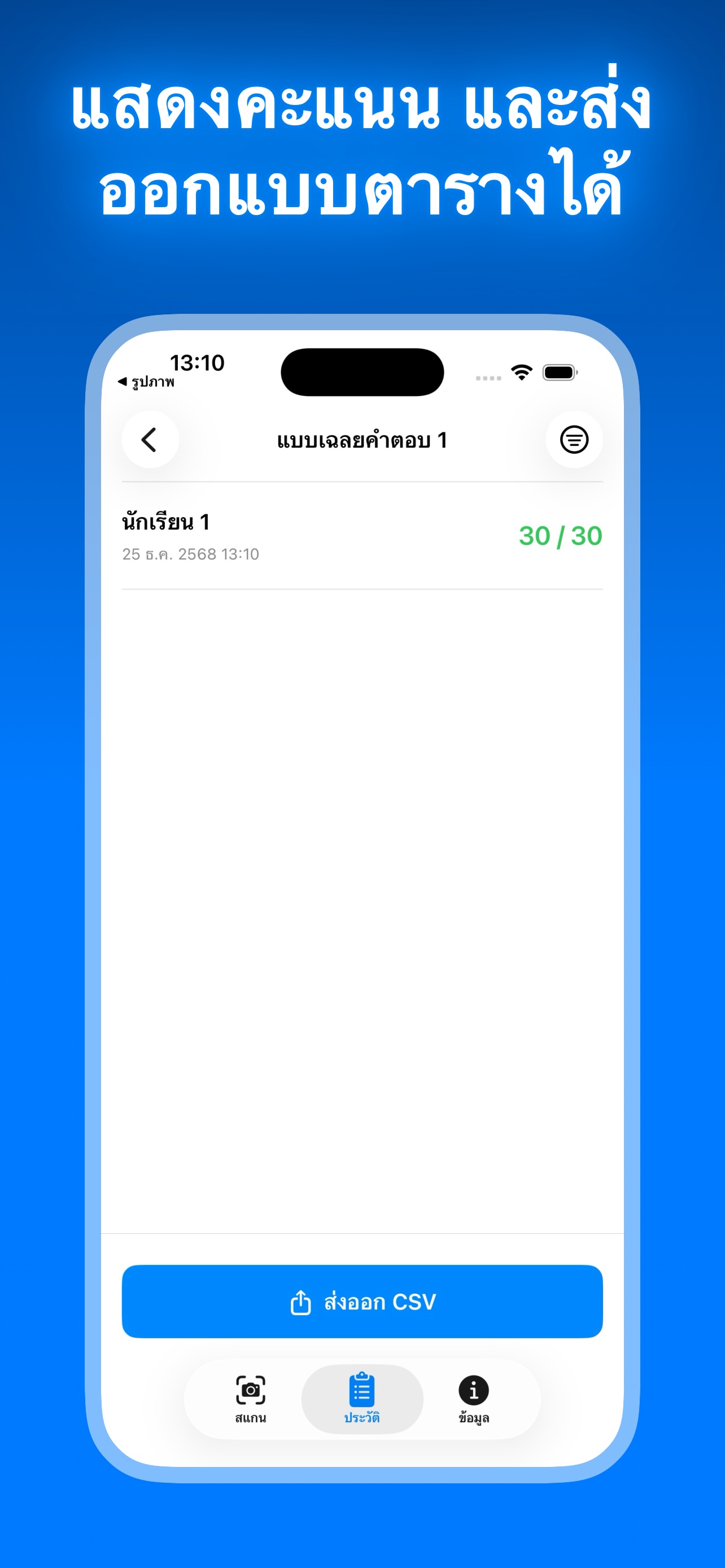
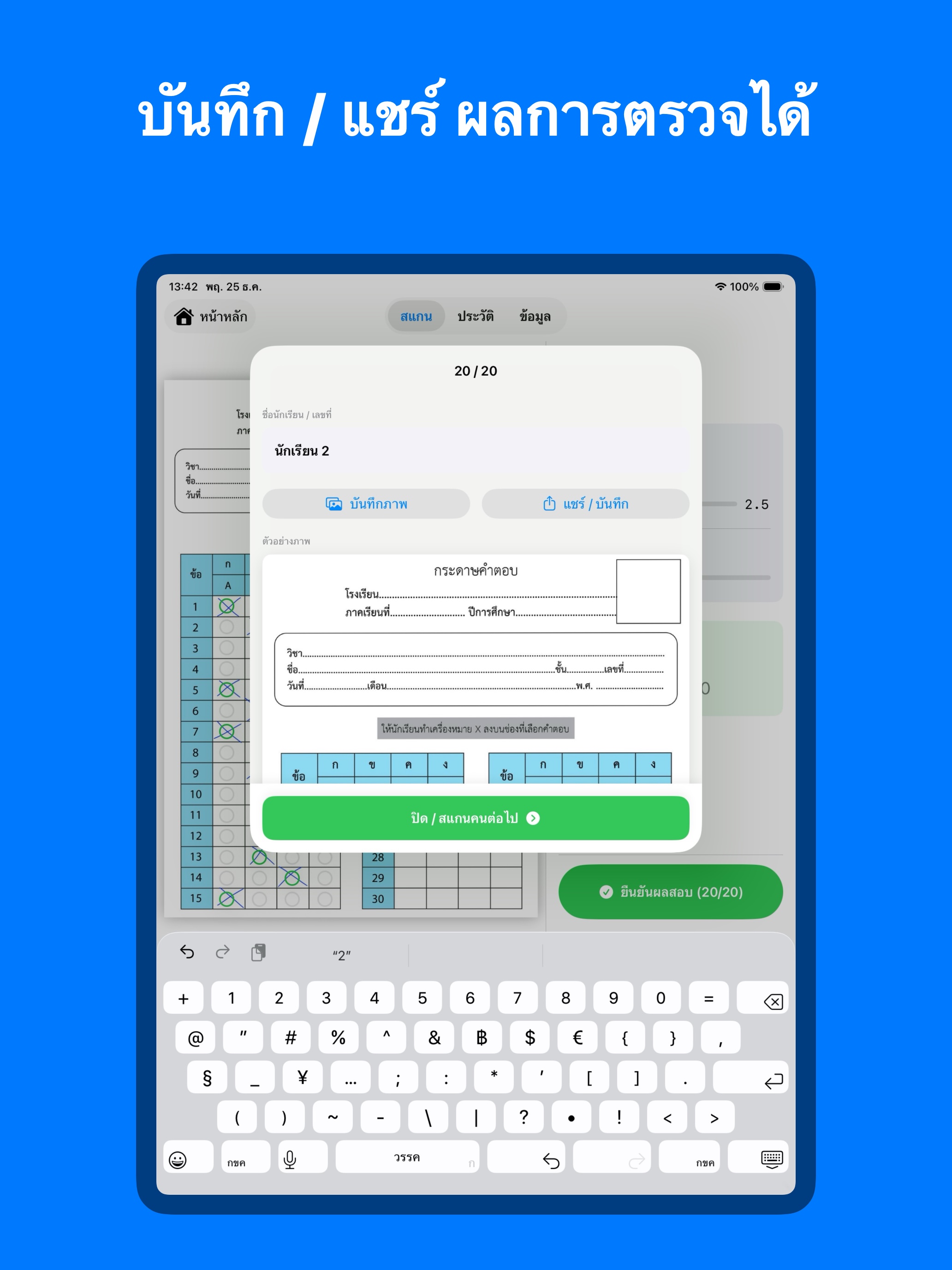
- Results & History Tracking: Save student names and scores organized by subject. Access exam history anytime to monitor student progress over time.
- Export Data (Pro Feature): Pro members can export scores as CSV files, ready for use in Excel, Google Sheets, or any school grading system.
Perfect For
- Teachers of all levels (Primary, Secondary, University)
- Tutors and Test Prep Centers
- Corporate training and assessments
Start for FREE!
Create up to 3 templates and use all core features at no cost. Upgrade to Pro for unlimited templates and to unlock the data export feature.
Download Check Answer today and take back your valuable teaching time!
iOS Screenshots

iPad Screenshots

Contact Us / ติดต่อเรา
If you have any questions, please contact us at: jatuphol.dev@icloud.com